
Forecourt
For iPhone

Find the cheapest petrol and diesel near you, in the UK.
Just 10p per litre cheaper, filling up every week, could save you over £250 a year.
A closer look
The app at a glance.
Search
Six ways to find the right station.
Every search mode shows live prices from the same official UK data source.
-
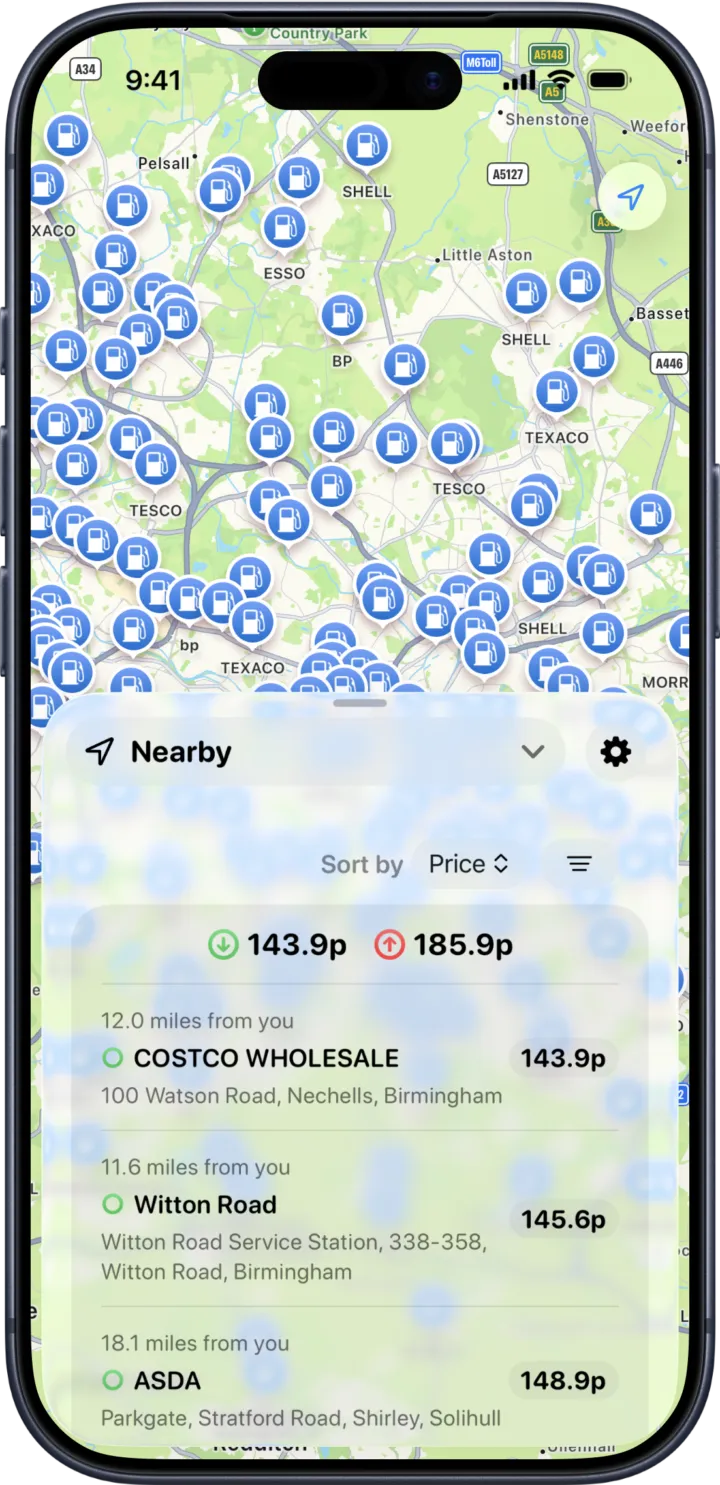
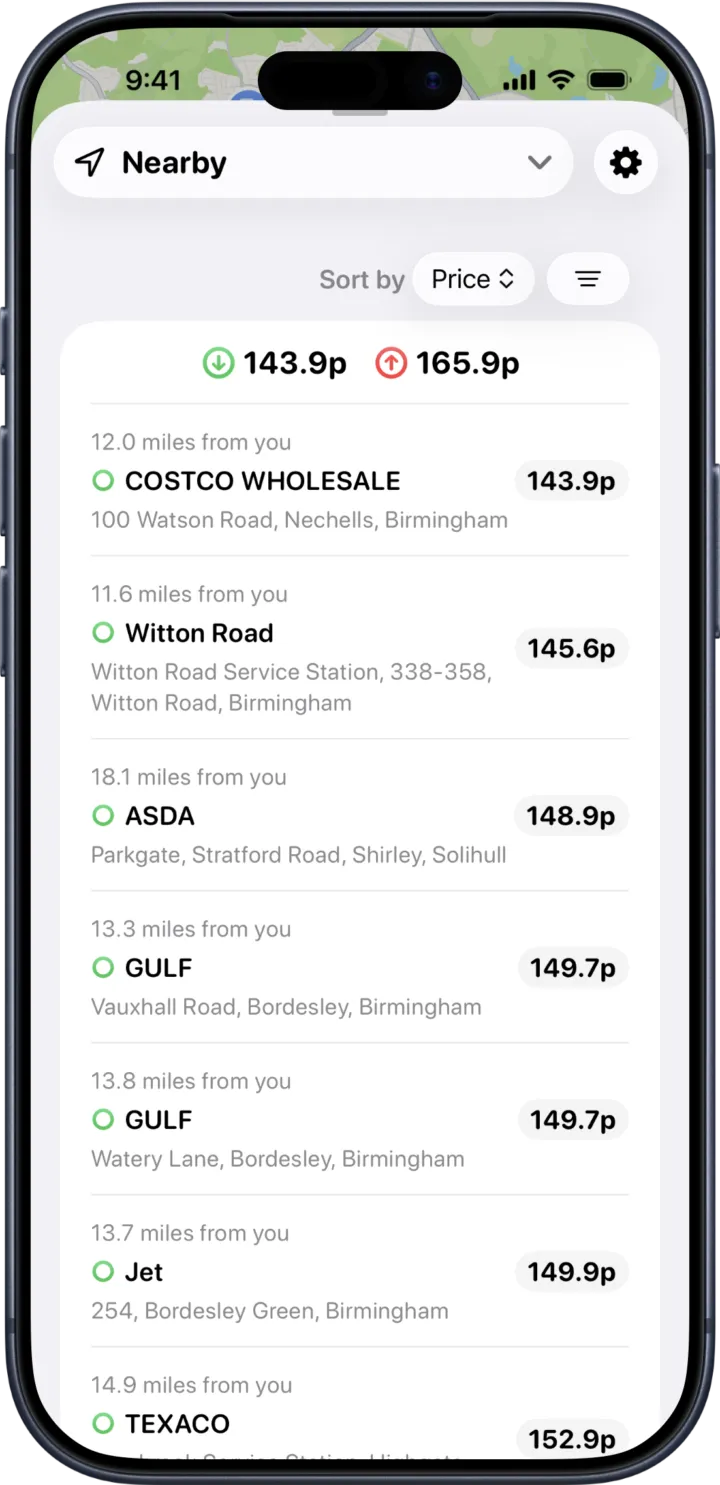
Nearby
See stations in the visible map area, updating live as you pan and zoom.
-
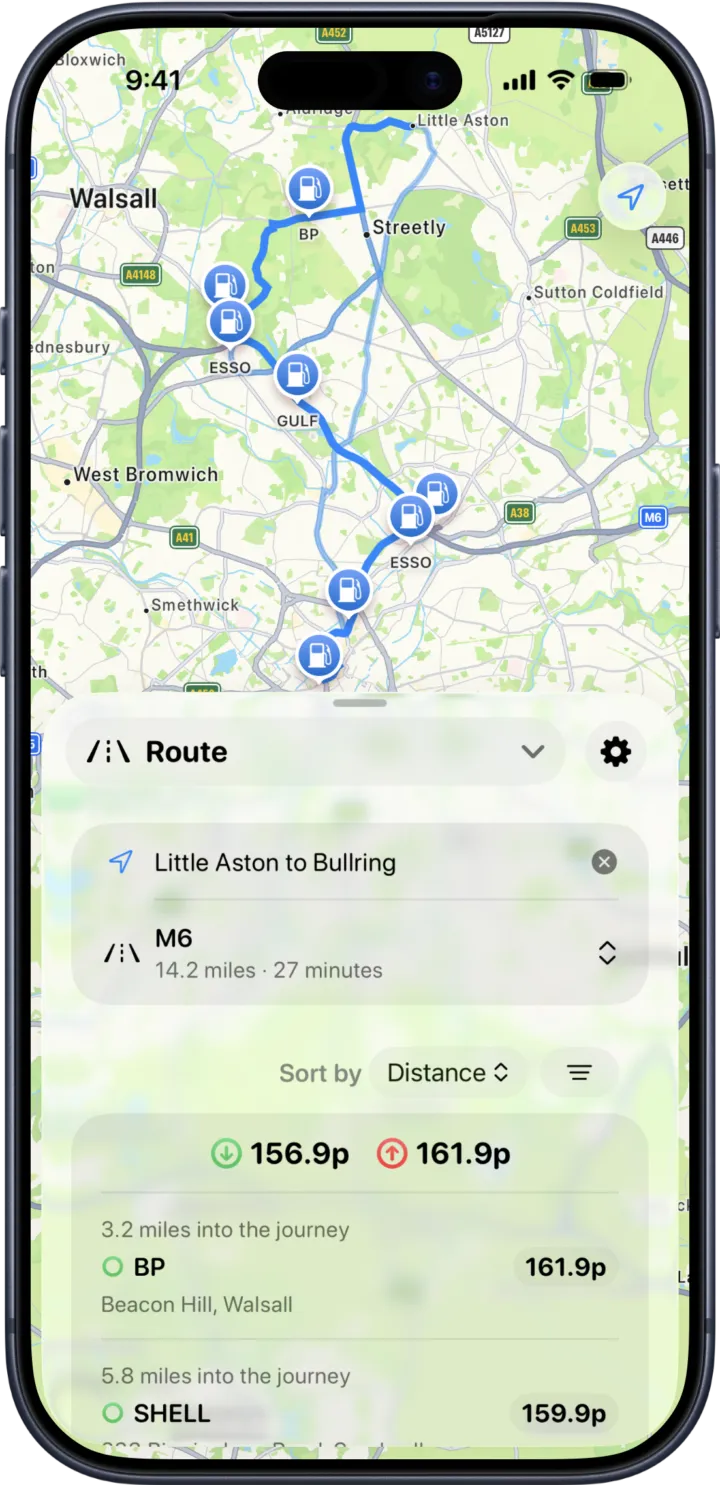
Along a route
Enter a start and end. Forecourt finds stations within 500m of your drive, sorted by distance into the journey.
-
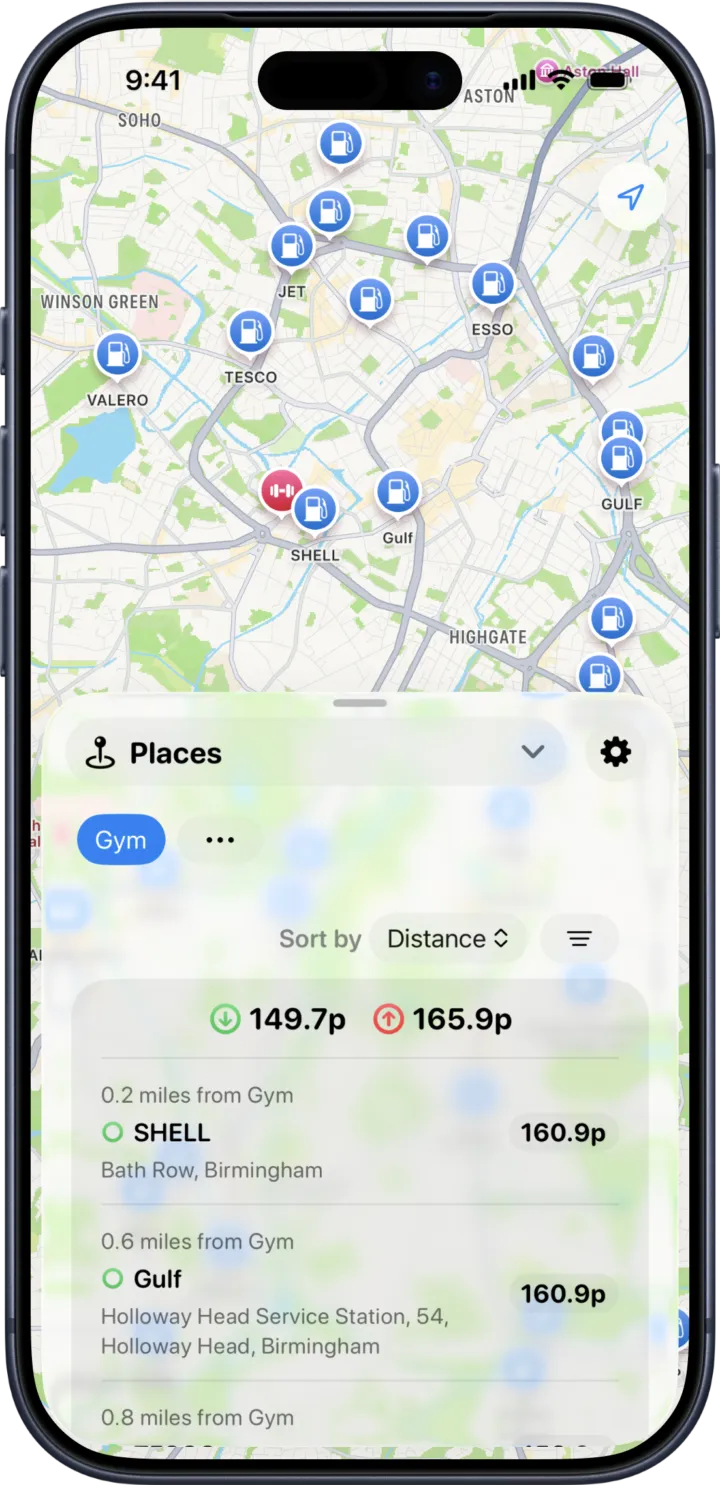
Near a place
Save Home, Work, the gym — anywhere — and switch between them with a tap.
-
By location
Search any UK address or place name. Recent searches are saved for quick re-use.
-
Favourites
Bookmark the stations you fill up at most. No limit on how many.
-
Recents
Stations you've recently viewed, sorted most-recent-first.
Features
Everything you need to fill up smarter.
-
Six fuel types
Compare prices for E10 (Petrol), E5 (Premium Petrol), B7 (Diesel, Premium Diesel), B10 (Diesel) and HVO (Biodiesel). Filter by what your car takes.
-
Sort & filter
Sort by cheapest or nearest. Filter by amenities — car wash, toilets, LPG, AdBlue, supermarket or motorway only.
-
Route corridor search
Multiple route alternatives. Swipe between them on the map. Stations ranked by distance into the journey.
-
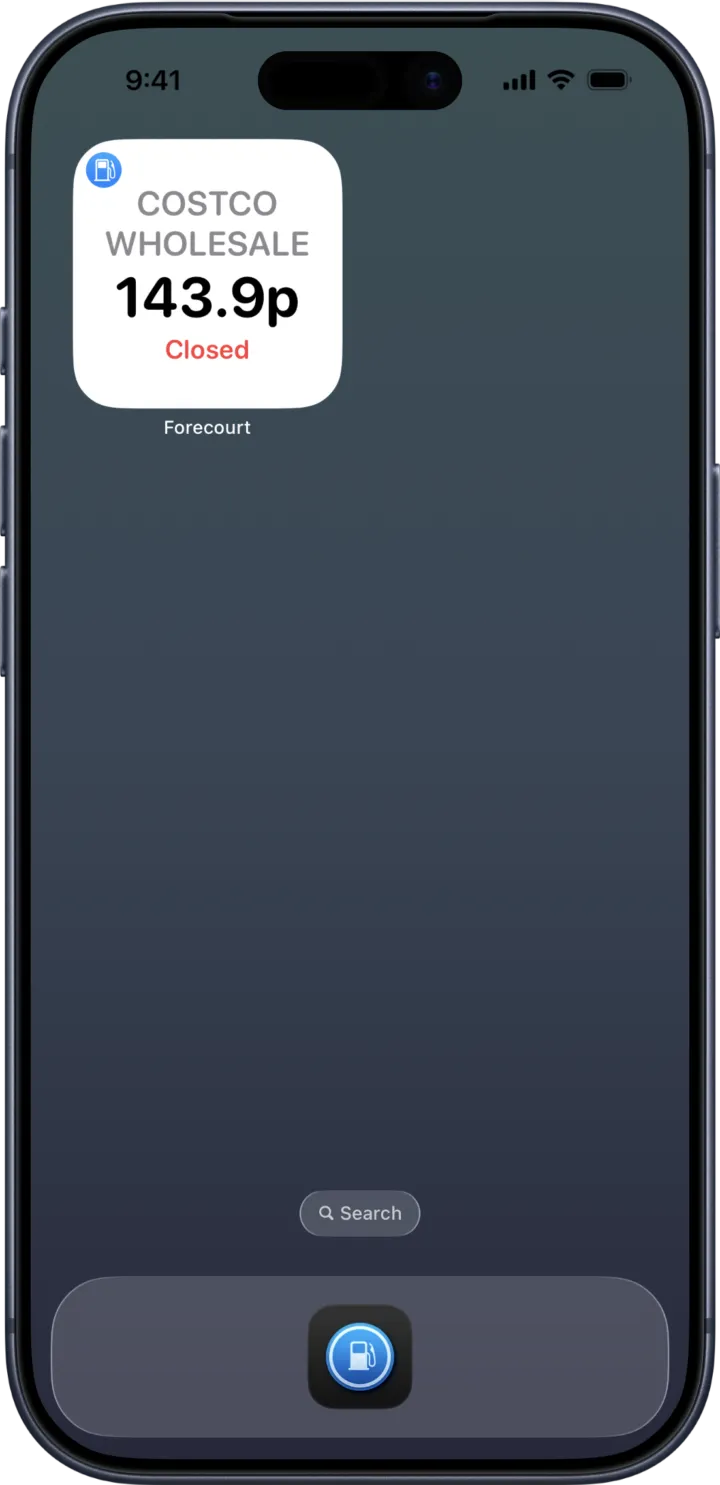
Home screen widgets
Small, medium and large widgets that show live prices for the stations you choose.
-
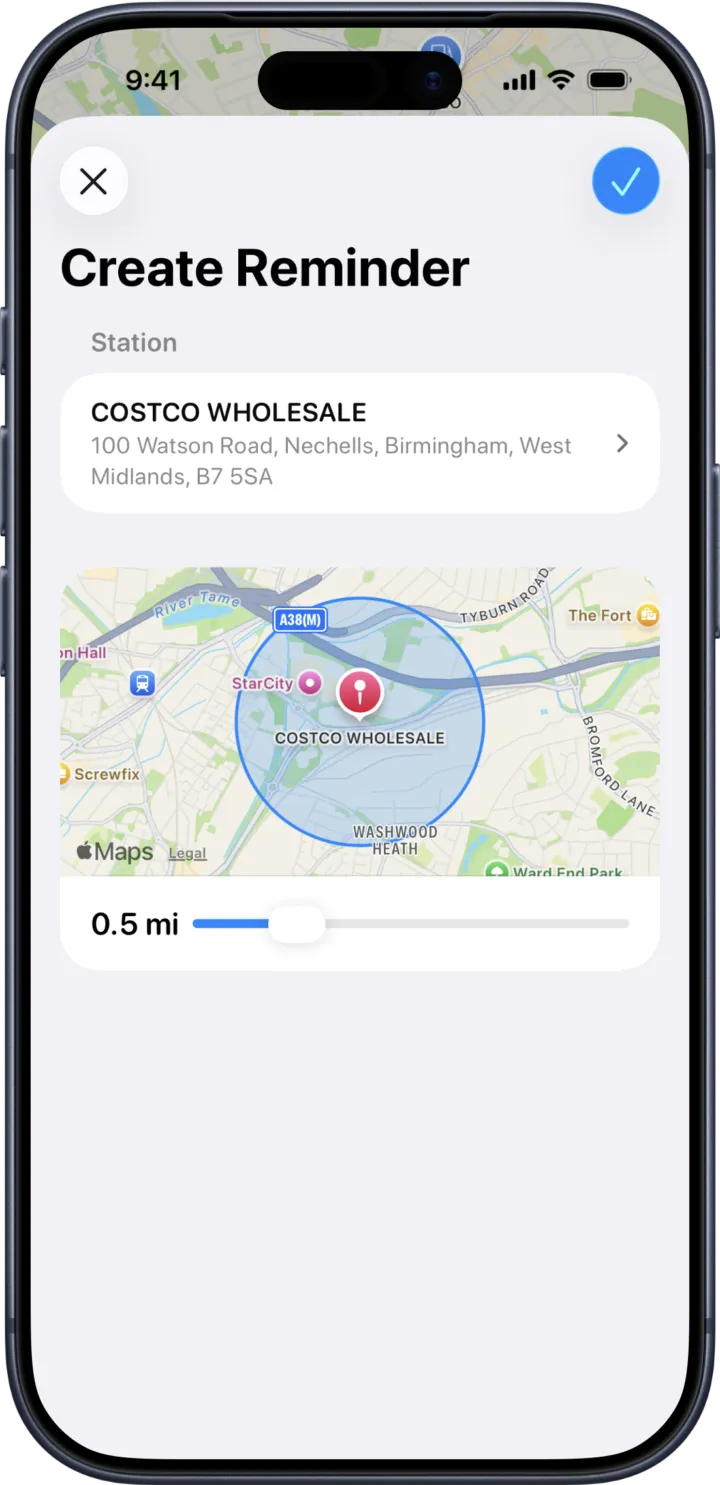
Location reminders
Get notified when you're near a station you've flagged. Tap the reminder to jump straight to the station detail.
-
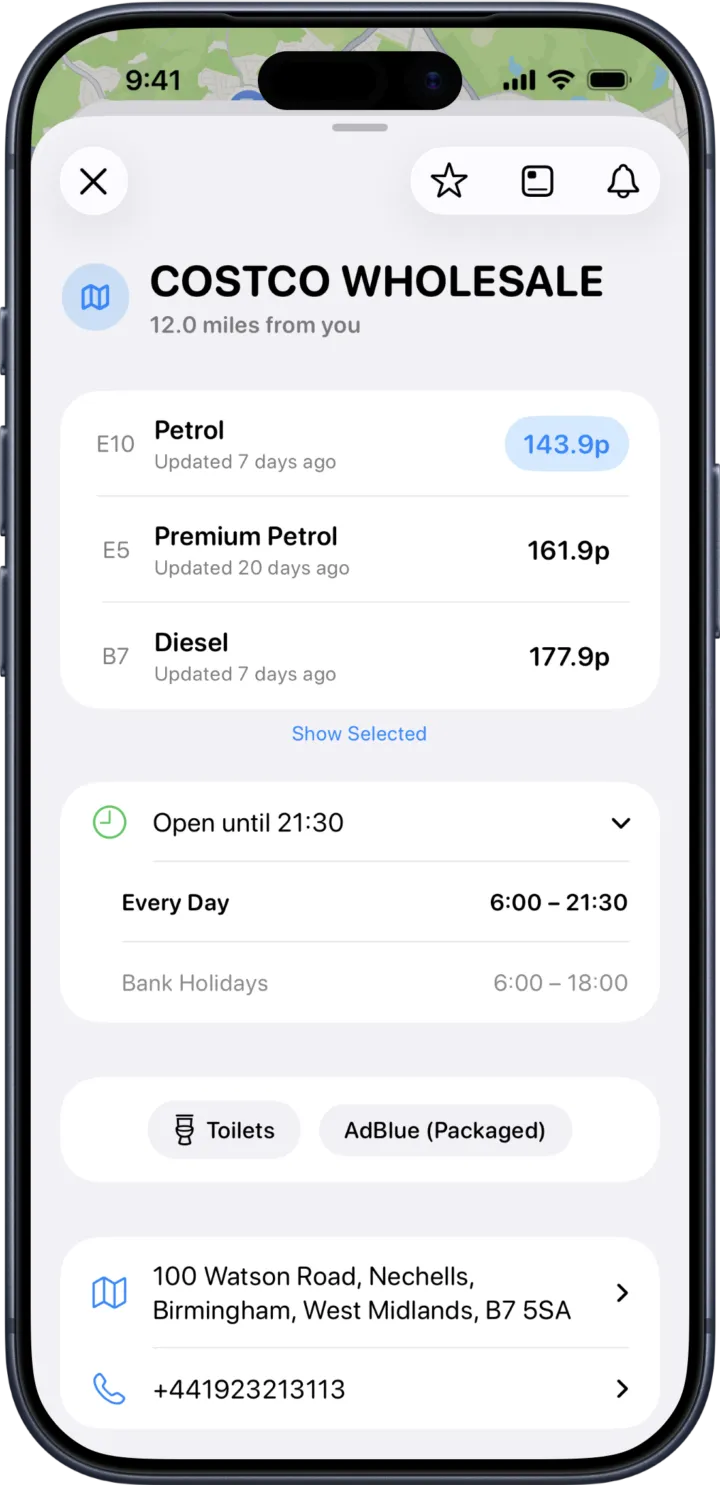
Opening hours
Today's hours at a glance, full week breakdown, and bank-holiday awareness using the UK calendar.
-
Saved places
Home, Work, Gym, Airport — Forecourt picks an icon to match each, automatically.
-
Station detail
Prices with timestamps, amenities, address, phone, get directions, share, and add to widgets — all in one tap.
-
28+ recognised brands
Logos and branding for Shell, BP, Esso, Tesco, Asda, Sainsbury's, Morrisons, Texaco, Jet, and many more.
Privacy
No accounts.
No tracking.
No ads.
Your location stays on your device and is never sent anywhere.
- No accounts
- No sign-up, no email, no personal data.
- On-device only
- Location is used in the app, never sent to a server.
- No ad networks
- No trackers. No social-media SDKs.
- Apple-only payments
- We never see your payment details.
Pricing
Free for 30 days.
Then 99p per month.
Full access to every feature from day one. No payment details required upfront.
99p per month
After your free 30-day trial.
- Every search mode unlocked
- Home screen widgets
- Location reminders
- Unlimited favourites & places
- No ads, ever
- Cancel anytime in Apple ID settings
Support
Common questions, with quick answers.
Email [email protected] for anything we haven't covered.
Where does the price data come from?
From the UK Government's Fuel Finder API, which collects pricing information from petrol station operators across the country. Forecourt refreshes the data automatically throughout the day.
How often are prices updated?
The app refreshes data automatically. Each station shows a timestamp for when its price was last reported, so you can see how fresh the figure is. Always verify at the pump before refuelling — prices change throughout the day.
Does Forecourt work outside the UK?
No. The data source covers UK petrol stations only.
Do I need to create an account?
No. There are no accounts, no sign-ups, and no personal data collected.
What happens after the free trial?
You can subscribe monthly to keep using the app, or stop. No data is lost — if you resubscribe later, your favourites, places and settings are still there.
How much is the subscription?
99p per month after the 30-day free trial. The first 30 days are unlocked with no payment details required.
How do I cancel?
Subscriptions are managed by Apple. On your iPhone, open Settings → tap your name at the top → Subscriptions → Forecourt, then tap Cancel. You'll keep access until the end of the current billing period.
I subscribed but it's asking me to subscribe again. What now?
Tap Restore Purchases on the paywall. This re-checks your Apple ID for an active Forecourt subscription. If that doesn't work, make sure you're signed in with the same Apple ID you originally subscribed with.
Why does the app need location permission?
To show stations near you, calculate distances, and trigger location-based reminders if you set them up. Forecourt uses "When In Use" location only — it doesn't track you in the background. Your location stays on your device.
Why does the app need Reminders permission?
Only if you want to set location-based reminders for a station. Reminders are stored in iOS's own Reminders database and trigger a notification when you're nearby. If you don't use the feature, you can deny permission with no impact on the rest of the app.
The price for a station I know is wrong. Can I report it?
Forecourt itself doesn't set the prices — they come from the operator's official feed. Use the Report Discrepancy link on the station detail page to open the UK Government's price reporting tool, where the data is corrected at source.
How do I delete all my data?
Open Settings → Privacy & Data → Delete All Data in the app. This irreversibly clears favourites, places, reminders, recents, widget configuration and settings.
Which iPhones are supported?
Any iPhone running iOS 26 or later.
I have a question that isn't here.
Email [email protected] and we'll get back to you. Please mention your iPhone model and iOS version so we can help faster.